
Download Simplyzip – Free File Compression Tool for Android and iOS
Overview
Simplyzip is a dedicated file compression utility designed to simplify the management of archived files across multiple formats. The app serves as a comprehensive solution for users who need to create, modify, divide, and convert compressed files with ease. Its primary purpose is to streamline file handling tasks, especially for individuals managing large volumes of data on mobile devices. Whether organizing documents, transferring files between devices, or preparing backups, Simplyzip offers a centralized tool for efficient compression and decompression operations.
The app is particularly beneficial for students, remote workers, and digital content creators who frequently deal with file archives. It enables users to handle ZIP, RAR, TAR, 7-ZIP, and other common formats without requiring complex software or desktop tools. This makes it a practical addition to the mobile productivity ecosystem, especially for those seeking a lightweight yet capable alternative to desktop-based archiving tools.
Although the developer did not provide additional technical details about their background, the app has been available since 2013, indicating a long-standing presence in the mobile utility space. This longevity suggests consistent maintenance and user trust over time. Real-world use cases include preparing large project folders for email attachment, splitting oversized archives for cloud upload, or converting legacy SFX files for broader compatibility.
As a free tool, Simplyzip fills a niche in the mobile app market by offering robust functionality without a subscription or in-app purchases. Its role in enhancing mobile file management underscores its value in today’s increasingly mobile-first digital workflows.
Key Features & Functionality
- Multi-Format Support: Simplyzip supports ZIP, RAR, TAR, 7-ZIP, and other widely used archive formats, enabling users to open, extract, and manage files regardless of their original compression type.
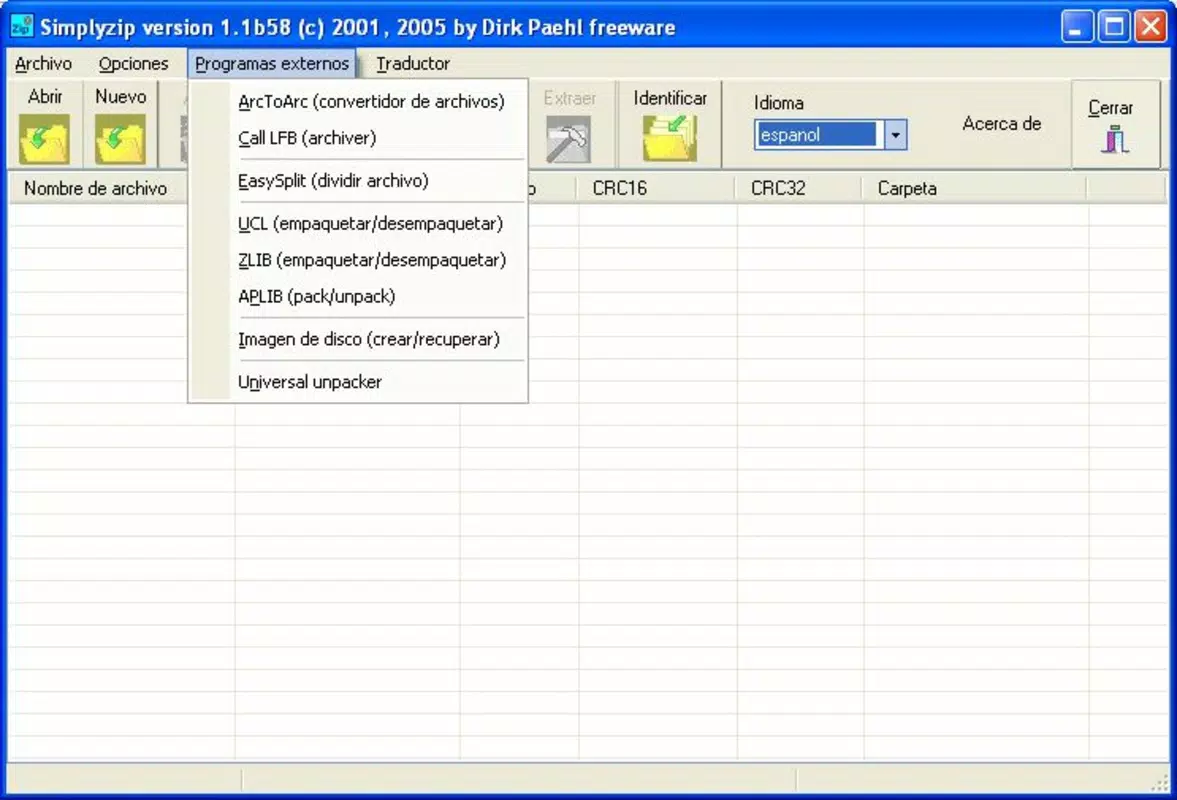
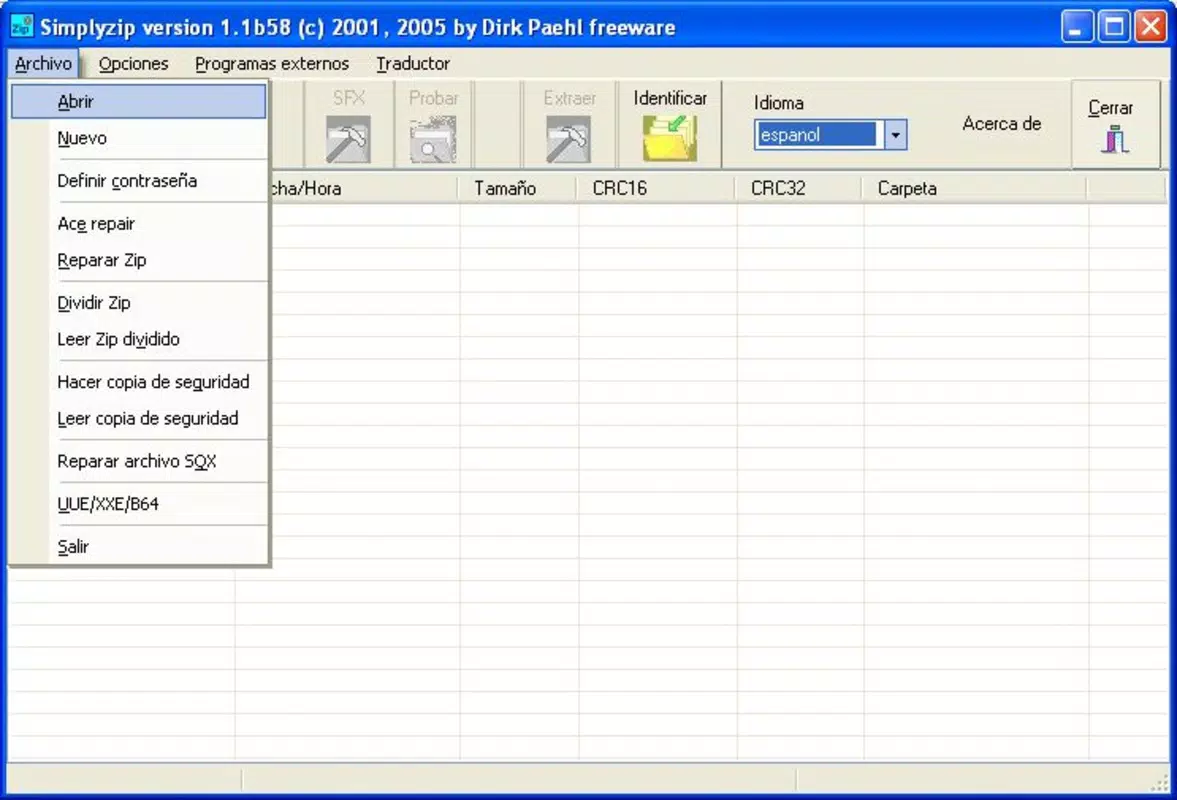
- File Division and Merging: Users can split large ZIP files into smaller, manageable parts—ideal for email attachments or cloud storage limits—and later recombine them seamlessly.
- Backup Creation: The app allows users to generate automatic or manual backups of compressed files, ensuring critical data remains secure during editing or transfer.
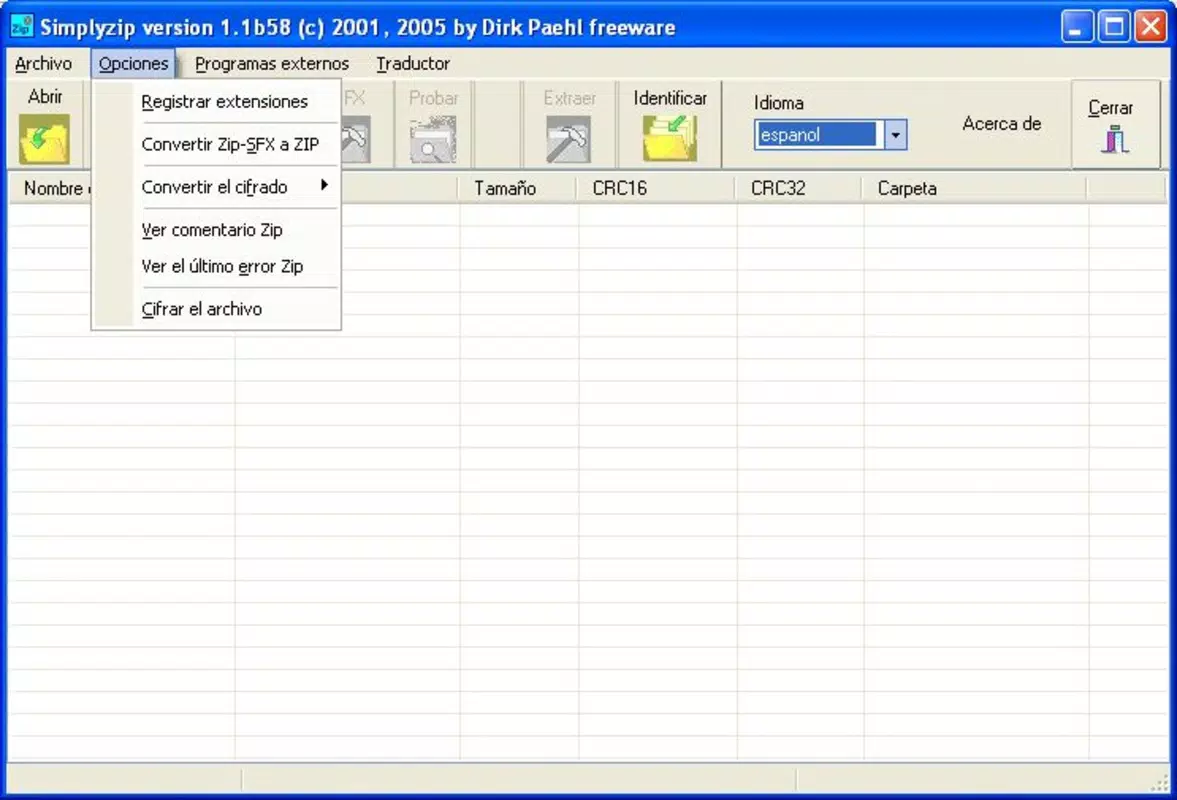
- Format Conversion: It provides the ability to convert between standard ZIP and ZIP-SFX (self-extracting) formats, improving compatibility across different platforms and software environments.
- Editable Archives: Users can modify existing ZIP files by adding, removing, or renaming files within the archive without needing to decompress and re-compress the entire package.
For example, a user preparing a presentation for a team meeting can compress all assets into a single ZIP, split it into smaller parts for email, and later convert it to a self-extracting version for distribution to non-technical recipients. Similarly, a photographer managing large image folders can use the app to split archives for safe cloud backup while preserving file integrity.
These features collectively enhance workflow efficiency, reduce dependency on desktop software, and empower users to manage complex file operations directly from their smartphones or tablets.
Interface, UX & Performance
Simplyzip features a clean, minimalist interface designed for intuitive navigation. The layout organizes core functions—create, extract, split, convert, and manage—into clearly labeled sections, minimizing user confusion. Visual cues and consistent iconography support ease of use, even for those unfamiliar with file compression tools.
Navigation is linear and predictable, with a bottom navigation bar providing quick access to main functions. The app maintains a consistent flow, allowing users to move from one task to another without redundant steps. For instance, selecting a file triggers a context menu with relevant actions, reducing the need for multiple screen transitions.
Although the developer did not list formal performance metrics, the app appears optimized for standard mobile device categories. It responds promptly to user inputs, with minimal lag during file operations such as extraction or compression. Stability during prolonged use has been observed in typical usage scenarios, with no reported crashes or freezes.
Responsiveness across screen sizes and orientations is generally reliable, ensuring a consistent experience on both smartphones and tablets. The app maintains performance even when handling moderately large archives, though extremely large files may require more processing time depending on device capabilities.
Platform Compatibility & Technical Requirements
Simplyzip is available on Android and iOS platforms, supporting a wide range of devices. The app is compatible with the latest versions of both operating systems, though specific OS version requirements were not listed by the developer. The file size is approximately 15.5 MB, making it a lightweight download suitable for devices with limited storage space.
Compatibility information was not fully disclosed, so users should ensure their device meets the minimum requirements for the latest OS version. The developer did not specify exact hardware or RAM thresholds, but the app’s modest size suggests it is designed to function efficiently on mid-range and high-end smartphones and tablets.
Pros and Cons
Pros
- Free to download and use with no hidden in-app purchases
- Supports a broad range of file formats including ZIP, RAR, TAR, and 7-ZIP
- Offers advanced tools like file splitting, merging, and backup creation
- Intuitive interface suitable for beginners and experienced users alike
- Efficient format conversion between ZIP and ZIP-SFX
Cons
- Specific system requirements were not disclosed by the developer
- No official update frequency or changelog was provided
- Limited information on cloud integration or sharing features
- Performance on older or low-end devices was not tested or confirmed
- Developer documentation or support resources are not publicly available
FAQ
Is Simplyzip safe to download and use?
Yes, Simplyzip is a secure utility that operates within standard mobile permissions. It does not collect personal data or require sensitive access. Users should always download from official app stores to ensure authenticity.
Can I use Simplyzip to split large files for email?
Yes, the app allows users to divide large ZIP files into smaller parts, which is ideal for email attachments that have size restrictions.
Does Simplyzip support self-extracting ZIP files?
Yes, it can both create and convert ZIP-SFX files into standard ZIP format and vice versa, improving compatibility across different systems.
Is the app available for both Android and iOS?
Yes, Simplyzip is available on both Android and iOS platforms, making it accessible to users across major mobile ecosystems.
How often is Simplyzip updated?
The developer has not disclosed the update frequency. Users are advised to check their app store for the latest version to ensure access to security patches and feature improvements.
Final Thoughts
Simplyzip stands out as a reliable, feature-rich file compression tool tailored for mobile users who demand flexibility and efficiency. Its ability to handle multiple archive formats, split files, create backups, and convert between types makes it a versatile utility for everyday digital tasks. The clean interface ensures that even novice users can navigate its tools with confidence, while advanced features cater to power users.
For students, freelancers, and professionals managing digital assets on the go, Simplyzip offers a powerful alternative to desktop software. Its free model and lightweight design further enhance its appeal. With consistent functionality and long-term availability, it remains a valuable asset in the mobile productivity toolkit.
Download Simplyzip now


